Putting the phone down isn’t a willpower problem. It’s a friction problem.
Time Recovery locks the apps that distract you. When you try to open one, a 30-second exercise appears. Finish it and the app unlocks.
To publish on Google Play I need 12 testers for 14 days. The two steps below take a few minutes.
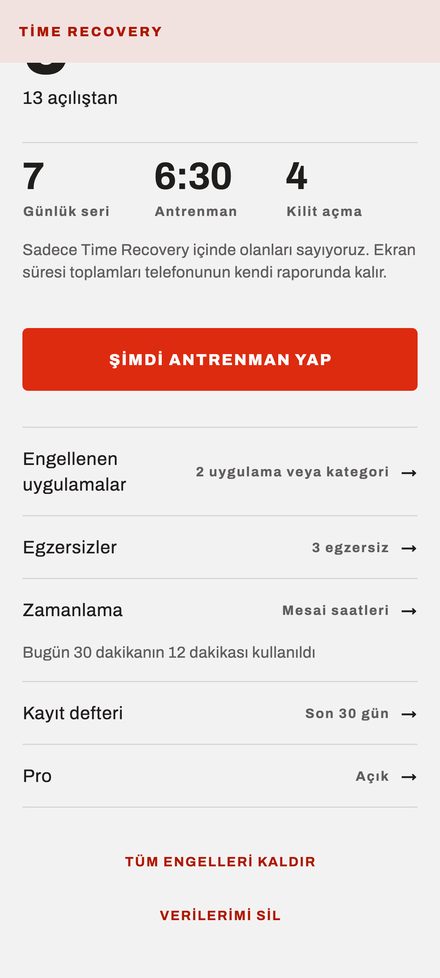
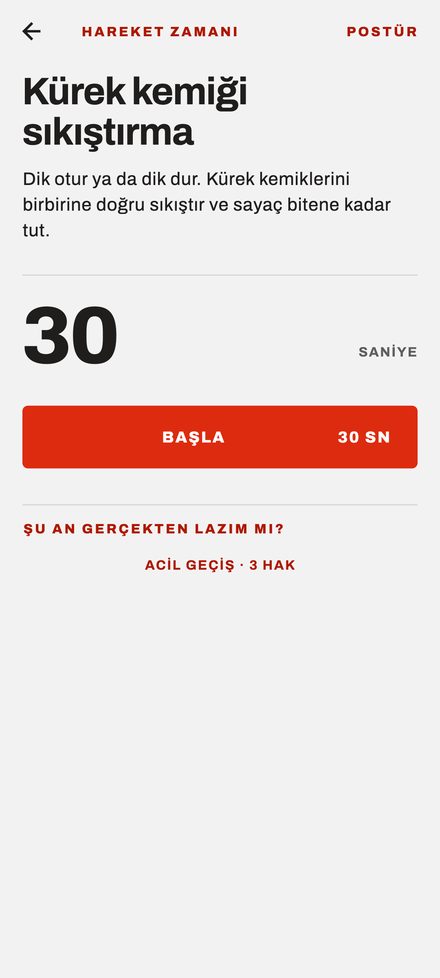
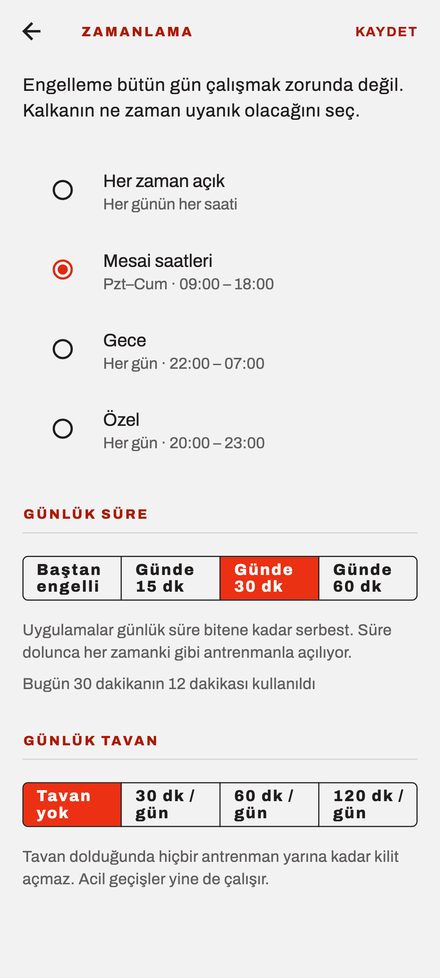
Pick what to block · Unlock with an exercise · Choose when it applies
How to join
-
Join the group first
Play recognizes testers through this group. Step two will not work until you join.
Join the group -
Then open the test and install
Open it from an Android phone signed into the same Google account, tap “Become a tester,” then install from the Play Store.
Open the test and install
It can take a few minutes for group membership to reach Play. If step two says “you’re not a tester,” wait 5 minutes and try again.
What I need from you
Keep the app on your phone for 14 days. That’s it. You don’t have to use it, but if you do I’d really like your feedback — especially on:
- Did the block screen appear when you weren’t expecting it?
- Is 30 seconds the right length, or did it feel too long?
- Where did you get stuck during setup or granting permissions? (Permission screens behave differently on brands like Xiaomi, Huawei, and Samsung)
- Did the time-window rule kick in at the right time?
What the app does not do
- No account, no sign-up. It does not ask for email, phone, or a password.
- Which apps you use never leaves the phone. That data is not sent to any server, and it does not come to me.
- Phone, messages, and maps can never be blocked. You will not get a plank when you need to call for help.
- No ads.
Details are in the privacy policy.
Leaving the test
You can delete the app whenever you want. I’d be grateful if you help me reach 14 days, but nothing binds anyone.